Design Your Solar Setup. Complete & Build-Ready.
SolarPlanner walks you through a guided wizard to size panels, batteries, charge controllers, inverters, wiring, and safety devices — then generates a bill of materials, wiring diagram, and step-by-step build guide.
Everything you need to plan a solar build.
From initial load calculations to a printable build plan — SolarPlanner handles the engineering so you can focus on the install.
Guided Sizing Wizard
Answer a few questions about your power needs, location, and system type. SolarPlanner sizes panels, batteries, and everything else automatically.
Bill of Materials
Get a complete parts list with panel counts, battery bank specs, charge controller ratings, inverter size, breakers, and wire gauges.
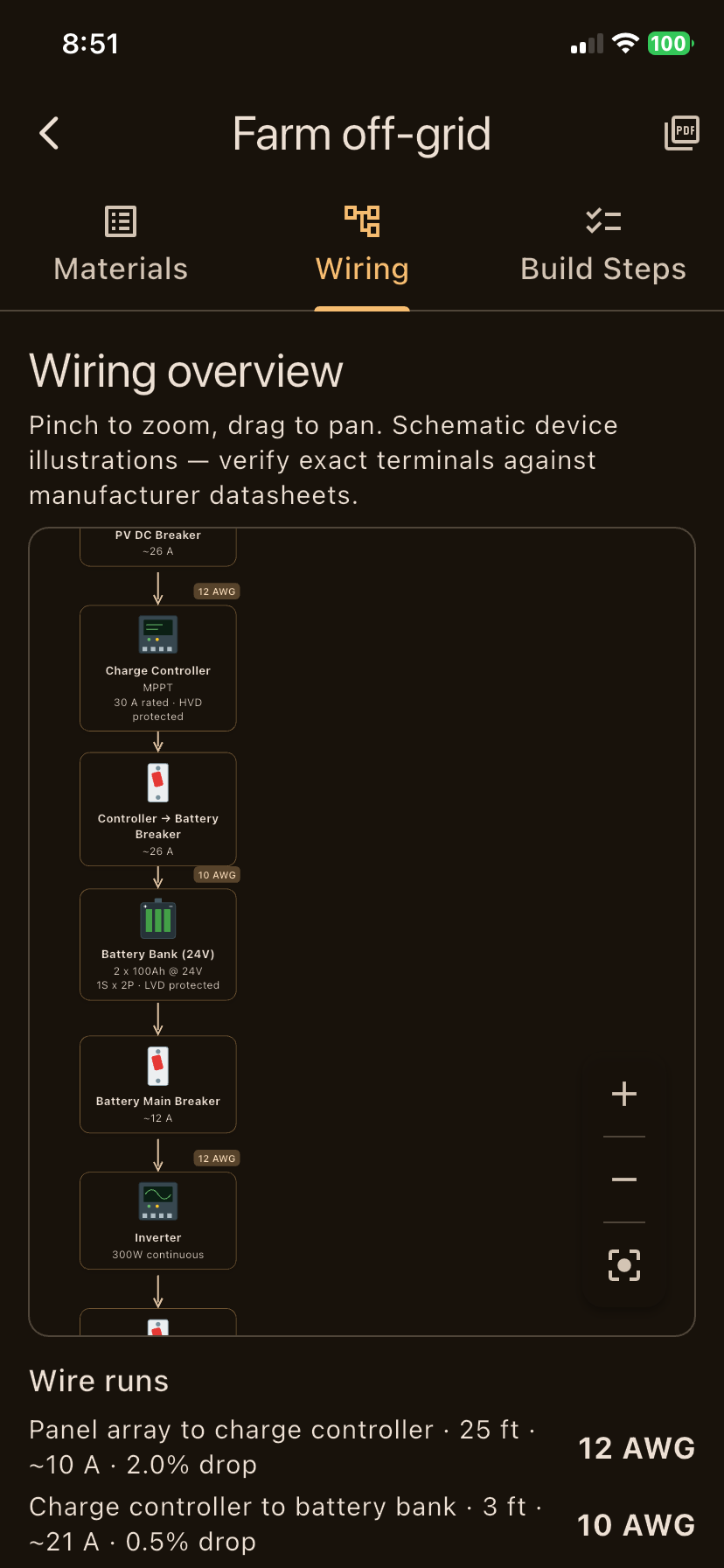
Wiring Diagram
Auto-generated schematic showing series/parallel connections, DC and AC breakers, disconnect switches, and grounding paths.
PDF Export
Share or print a professional build plan with your bill of materials, wiring diagram, and step-by-step assembly instructions.
A clean, guided experience from start to finish.
Take an interactive tour of the SolarPlanner mobile application features.
Guided Load & System Configuration
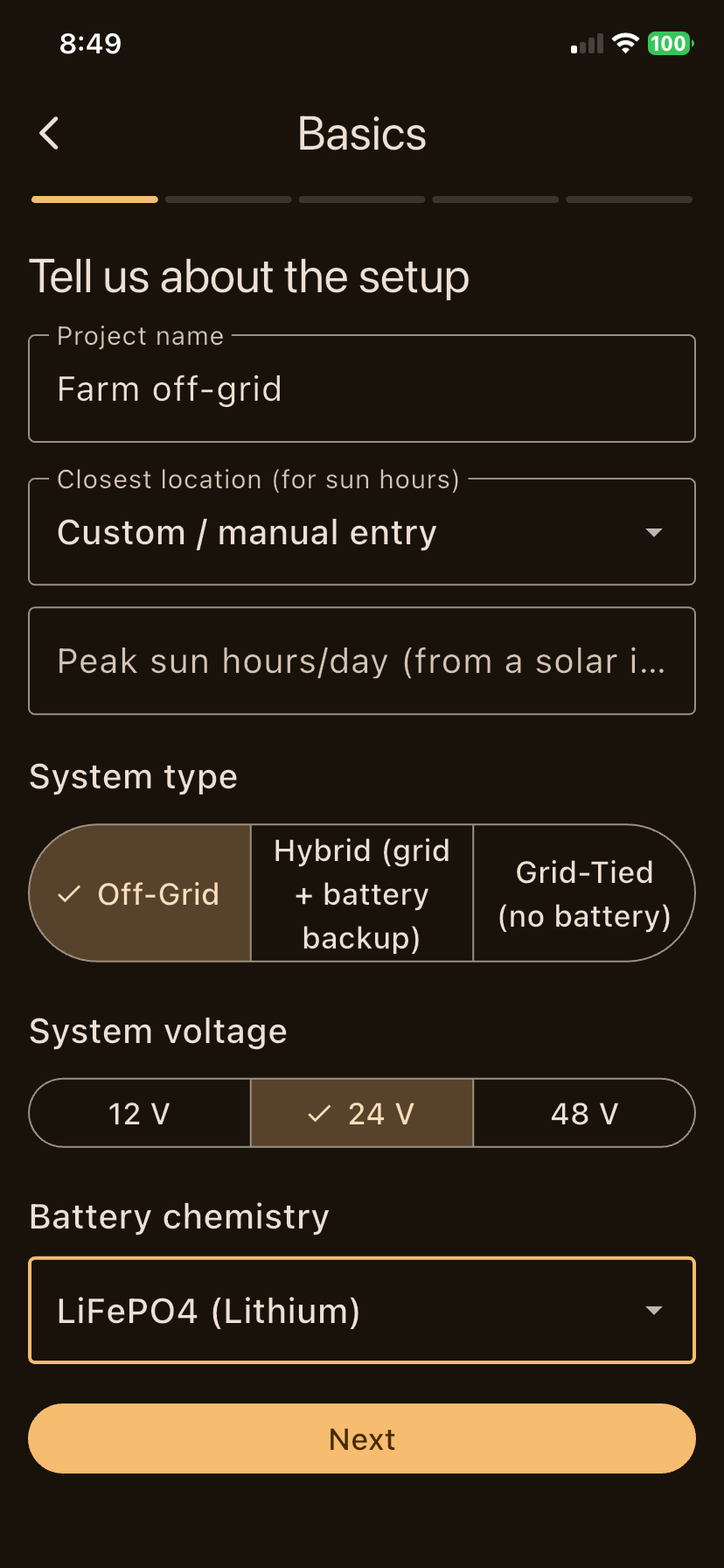
Configure your solar project step-by-step with tailored presets for off-grid cabins, hybrid homes, or grid-tied setups. Select system voltage (12V, 24V, 48V) and battery chemistry (LiFePO4, Lead-Acid, AGM).
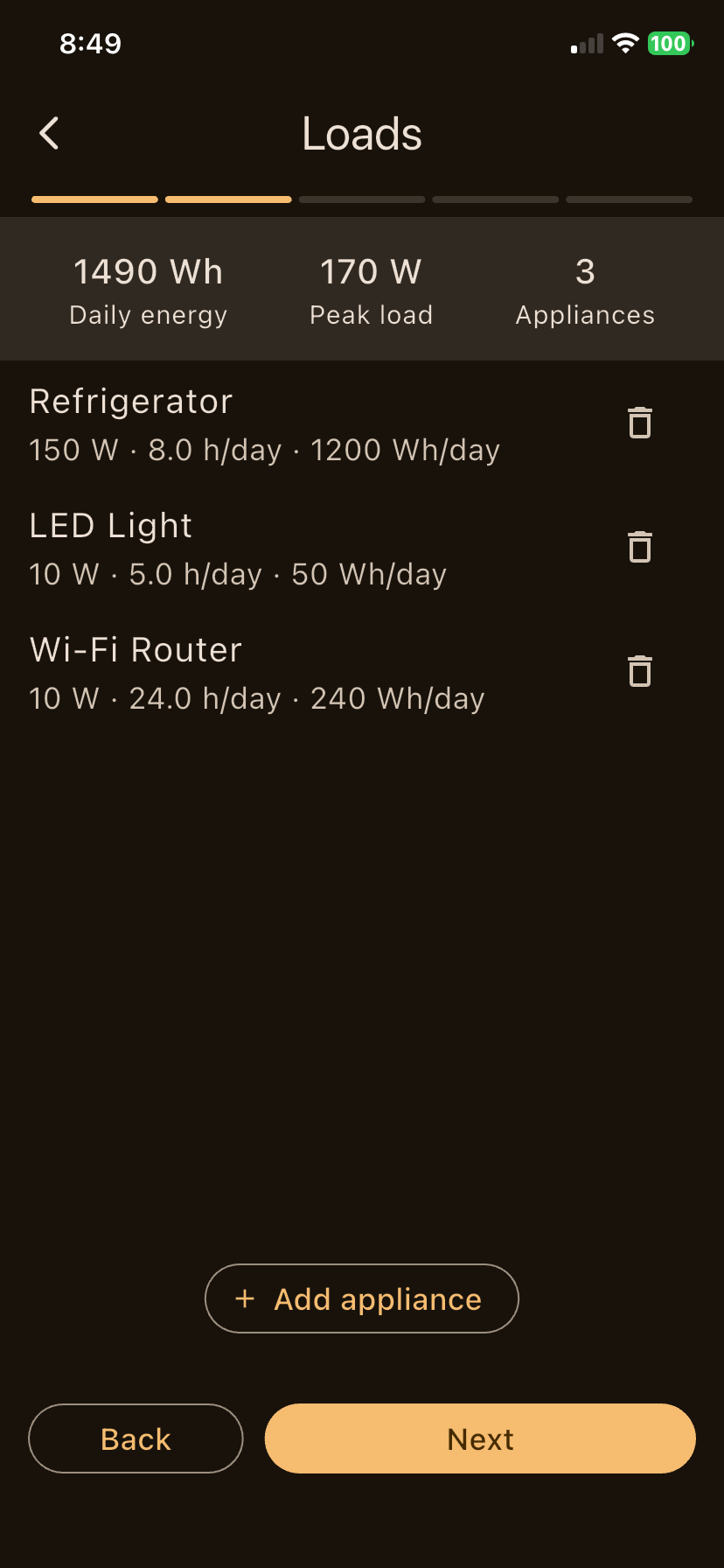
- Appliance Energy Calculator: Add daily hours and wattages for refrigerators, lighting, routers, and heavy loads.
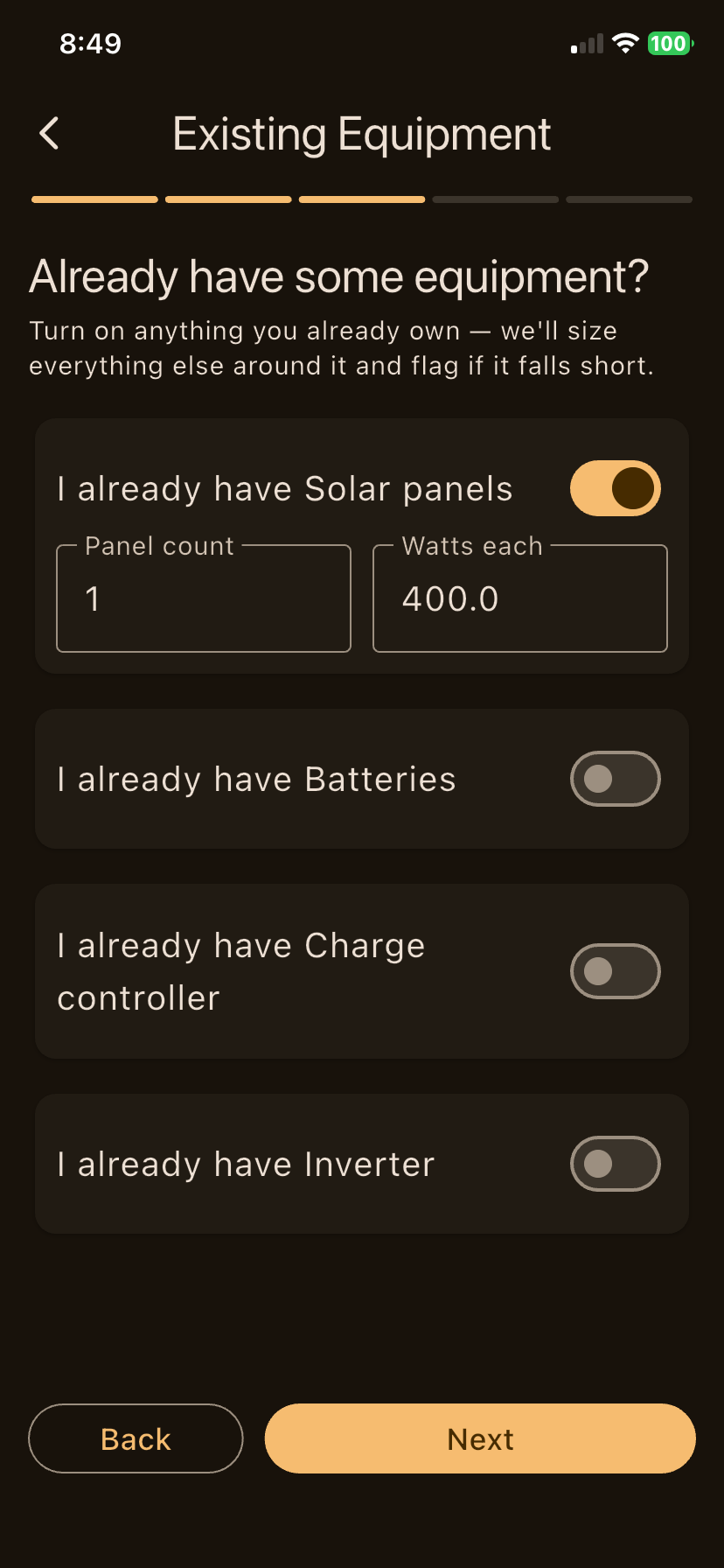
- Existing Equipment Integration: Tell SolarPlanner what gear you already own — it auto-calculates gaps.
- Site Constraints: Account for roof pitch, pole mounting, available space, and wire distances.
Smart Engineering & Deficit Checks
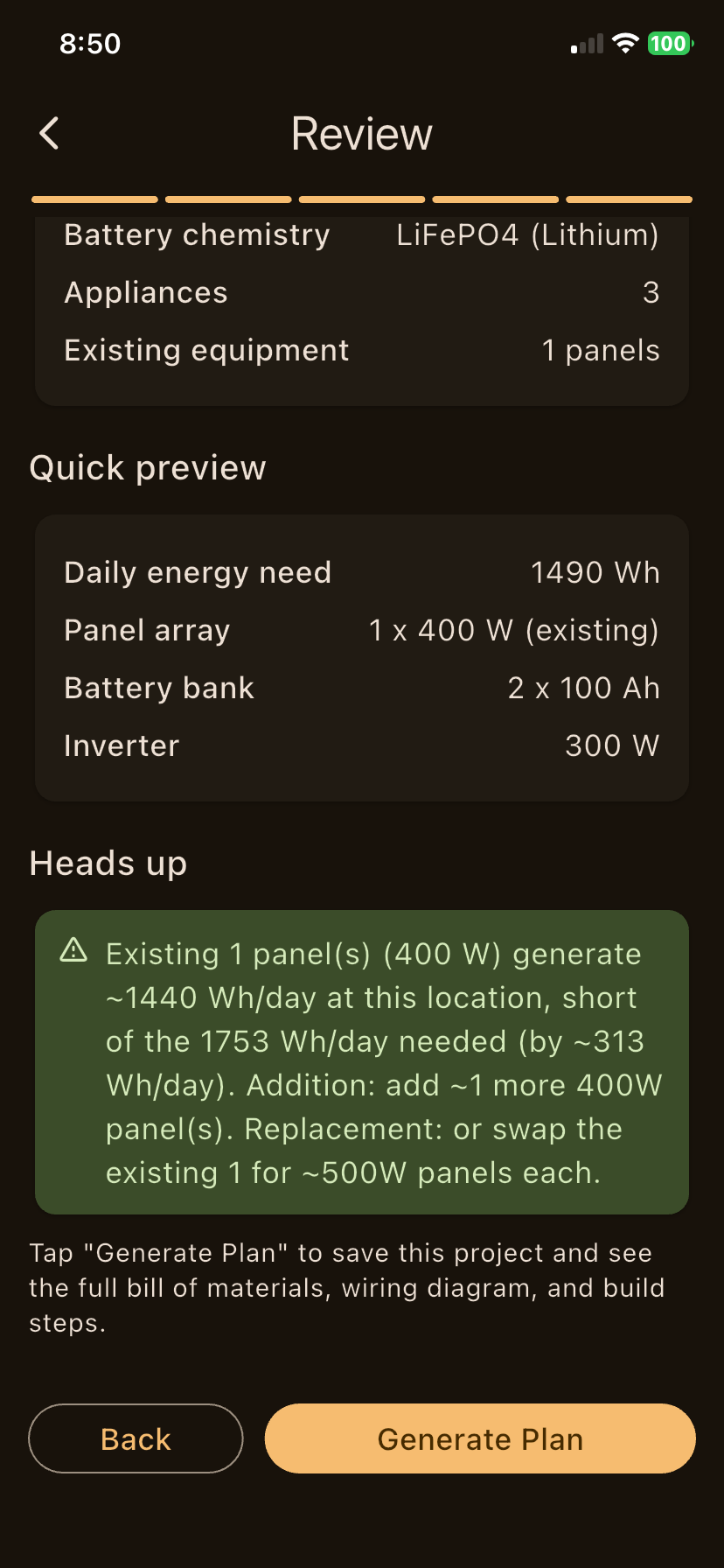
SolarPlanner continuously checks your system configuration against local peak sun hours and efficiency losses. If your existing solar panels fall short, the app alerts you with precise upgrade recommendations.
- Real-time Sizing Diagnostics: Flags under-sized solar arrays or battery banks before you spend a dime.
- Irradiance & Autonomy Math: Calculates daily peak sun hour energy output and reserve autonomy days.
- Surge & Continuous Load Sizing: Evaluates motor startup spikes for continuous inverter stability.
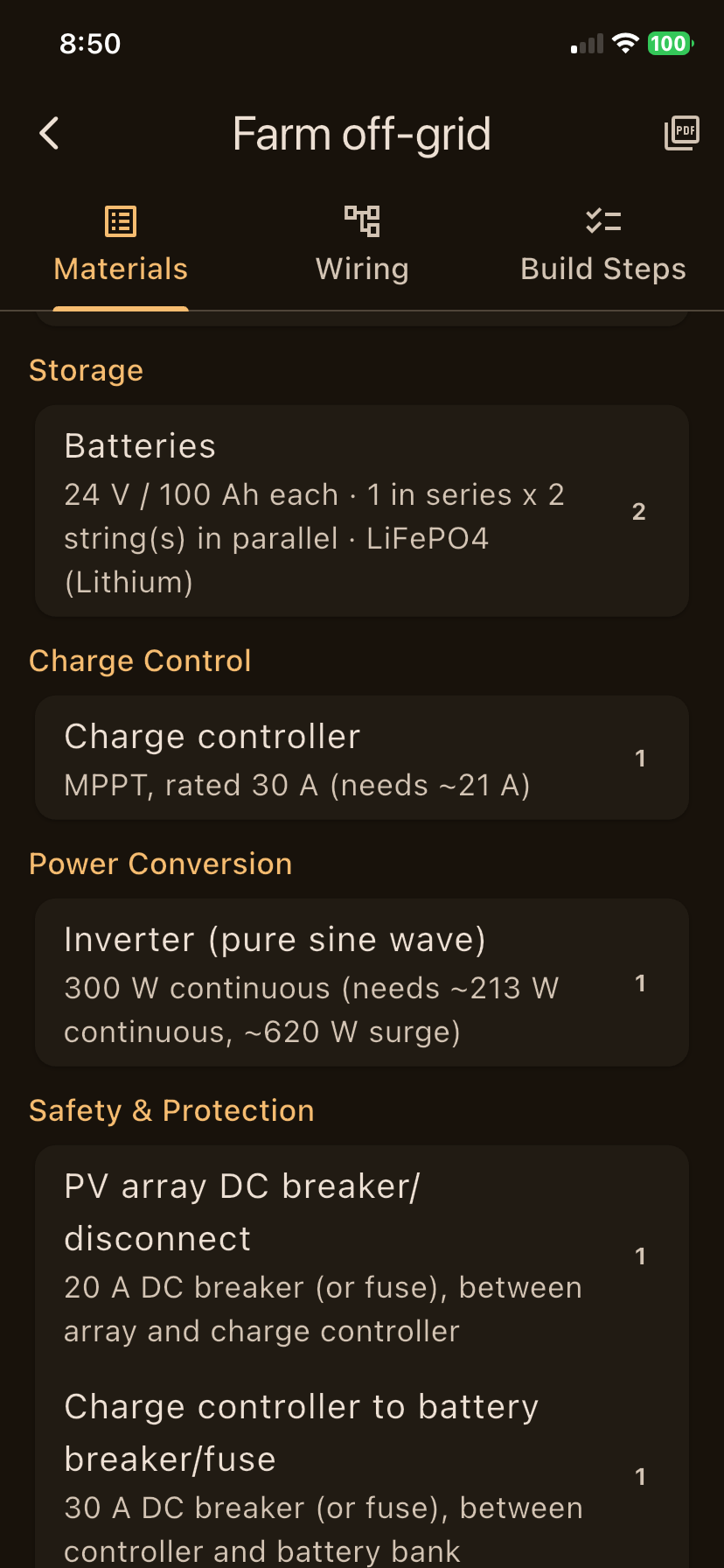
Build-Ready Bill of Materials (BOM)
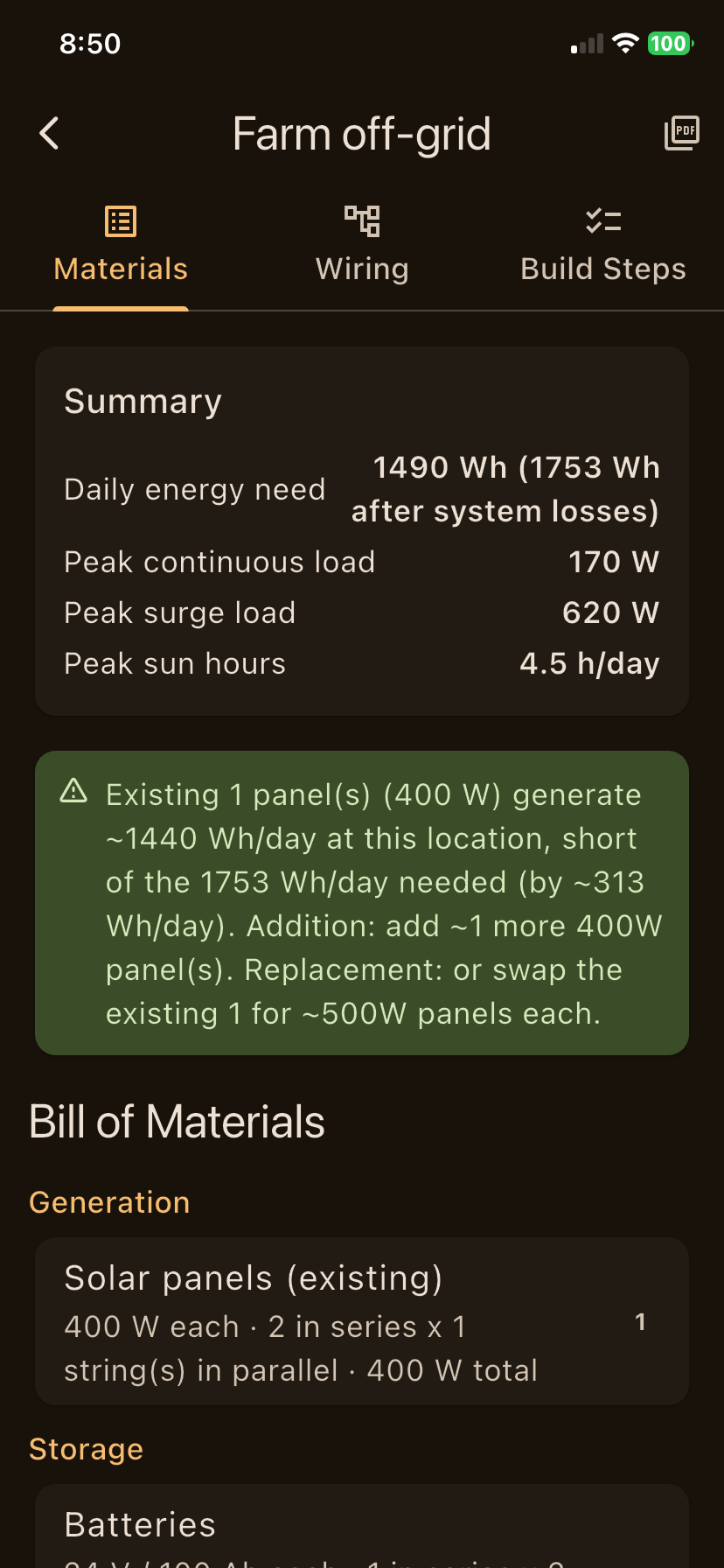
Get a comprehensive parts breakdown formatted into clear categories: Generation, Energy Storage, Charge Control, Power Conversion, and Safety & Protection.
- Panel Stringing: Series and parallel array layout recommendations for optimal MPPT voltage.
- Battery Bank Specs: Exact series/parallel string arrangements for 12V, 24V, or 48V banks.
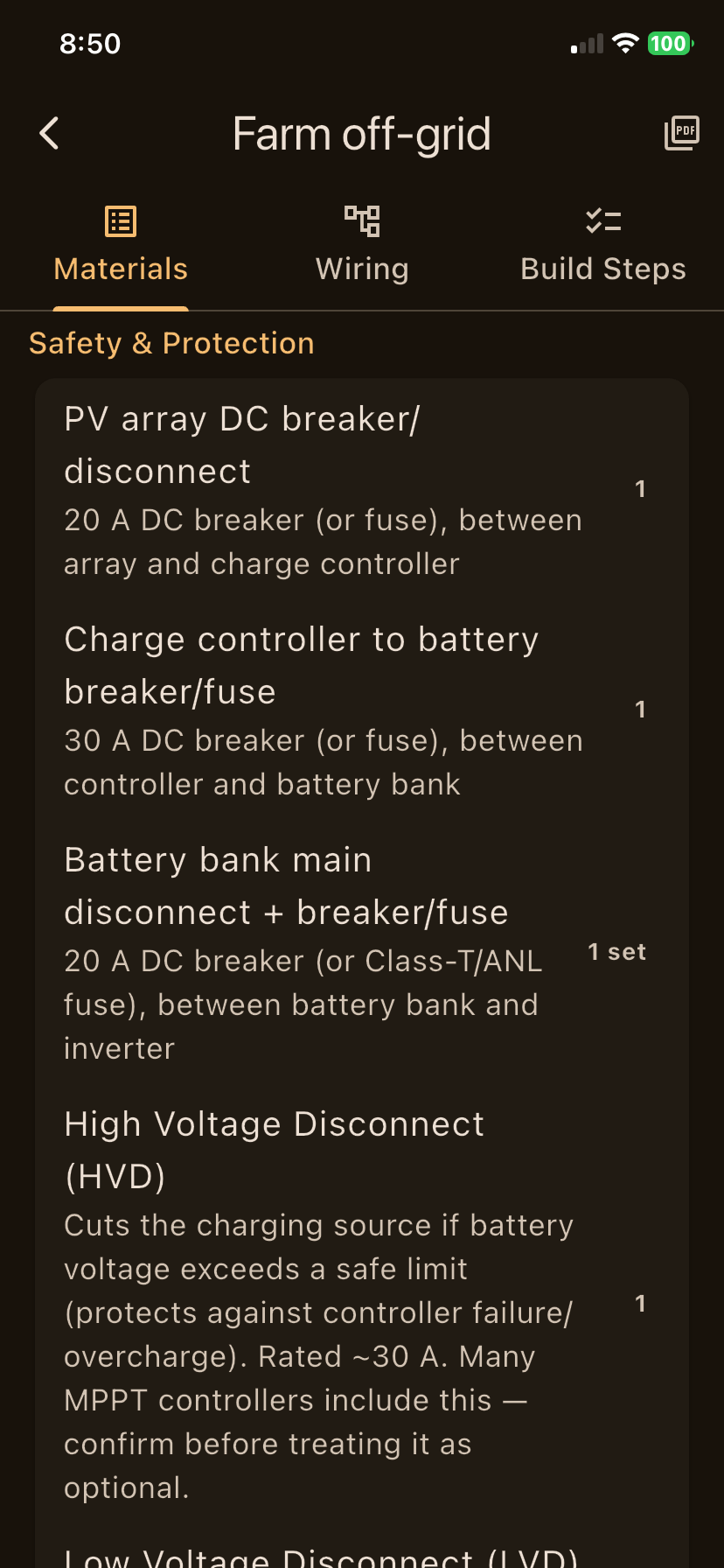
- Protection Gear: Specifies DC breakers, ANL/Class-T fuses, HVD, LVD, and disconnect switches.
Wiring Diagram, Build Steps & PDF Export
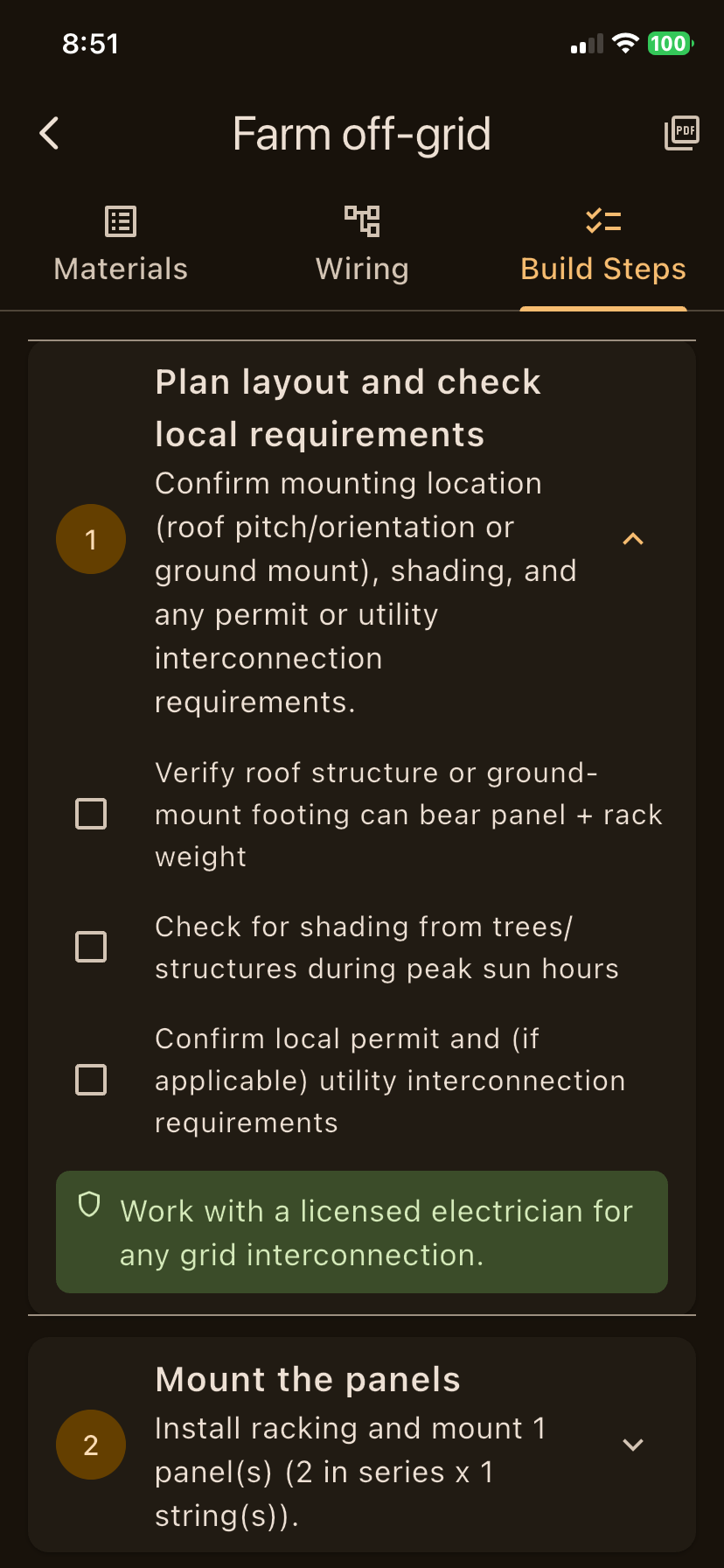
Visualize your system wiring in an interactive schematic diagram. Review calculated wire gauge (AWG) sizes and estimated voltage drop, follow step-by-step installation checklists, and export complete plans to PDF.
- Schematic Wiring Diagram: Shows flow from PV array → DC breaker → MPPT → Battery bank → Inverter → Load.
- Wire Gauge & Voltage Drop: Calculates proper AWG gauge per run length to keep voltage drop under 3%.
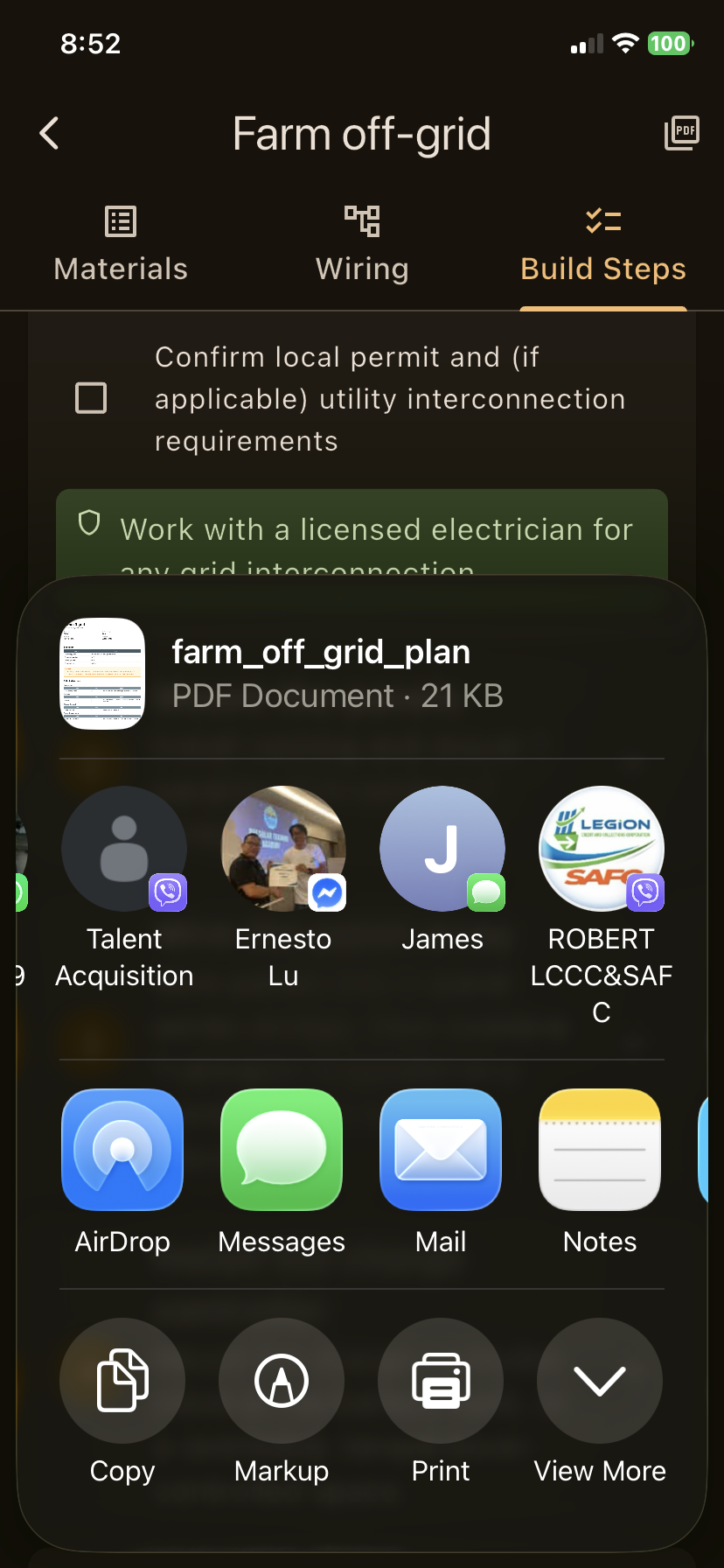
- Printable PDF Export: Generate jobsite-ready PDF packages to share with electricians or inspectors.
App Gallery — All 18 Screens
Click any screenshot to view the high-resolution interface and technical details.
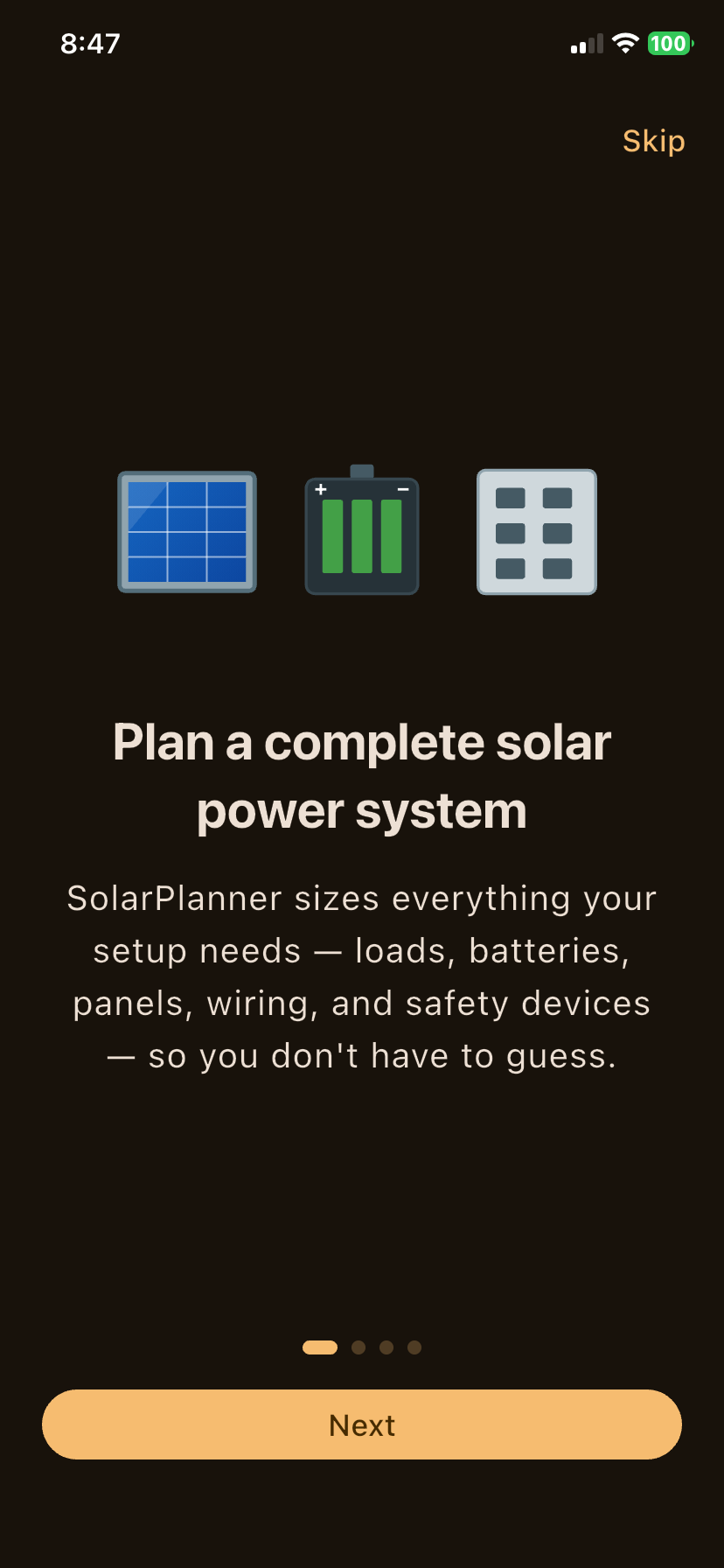
System Sizing Intro
Welcome onboarding flow explaining end-to-end solar system calculations.
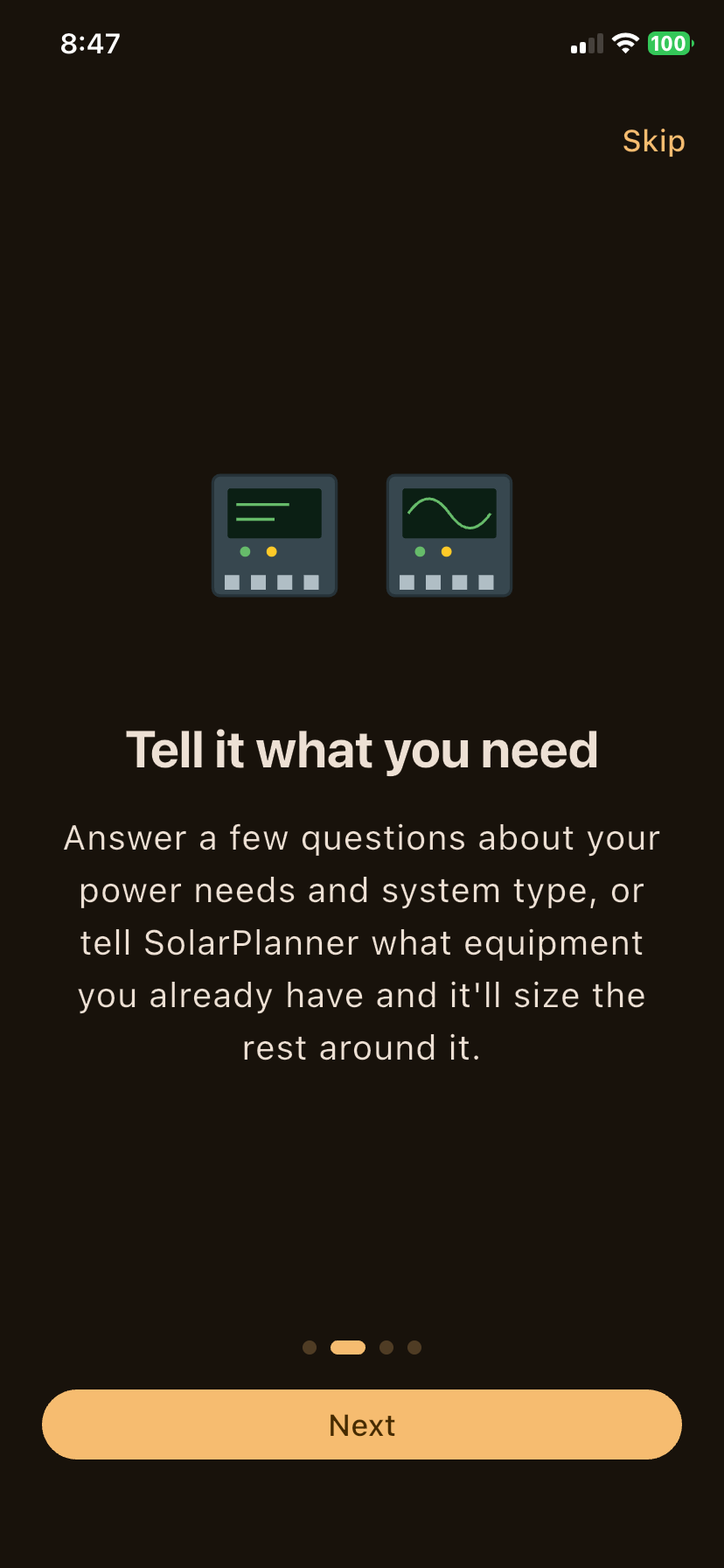
Tell What You Need
Gathering user requirements and existing hardware inventory.
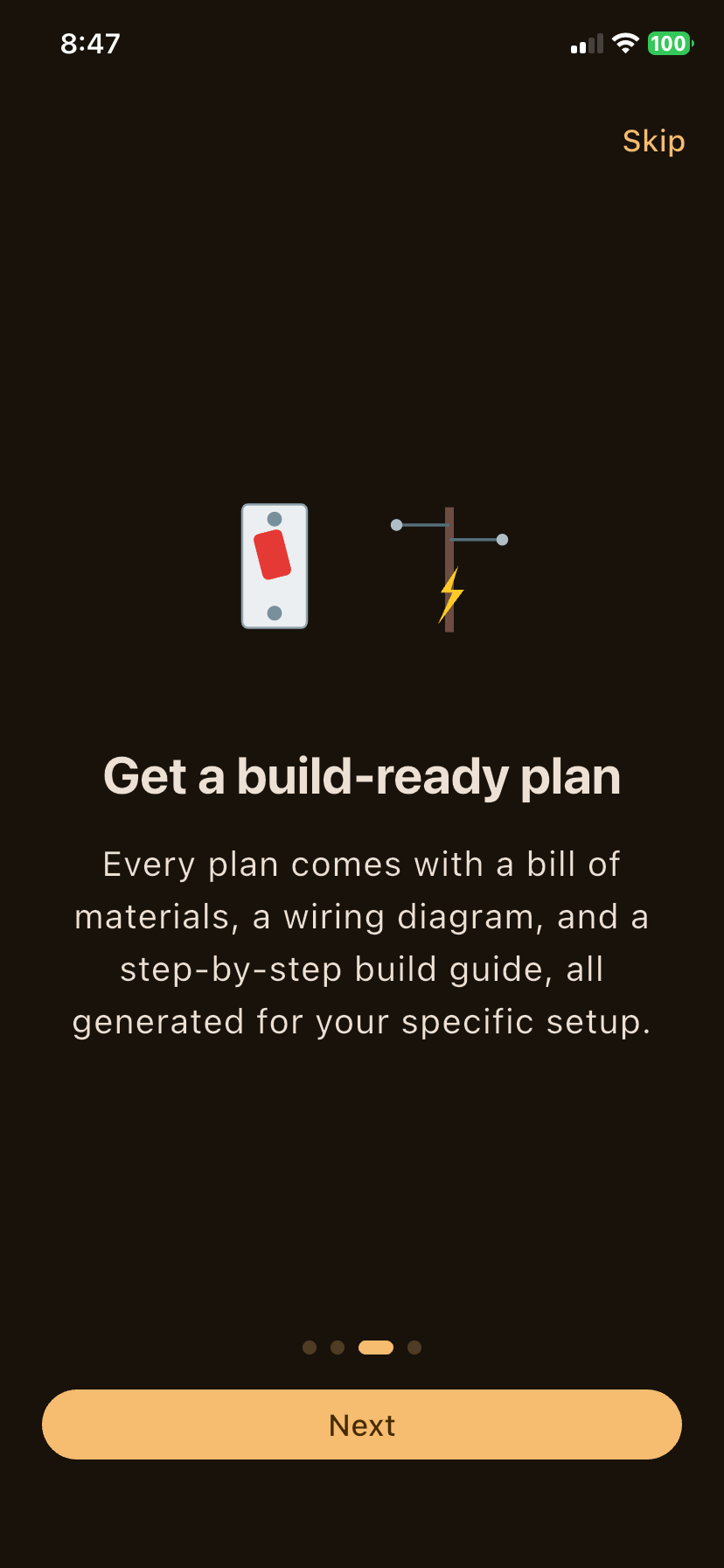
Build-Ready Plan
Highlighting BOM, schematic diagram, and installation guide outputs.
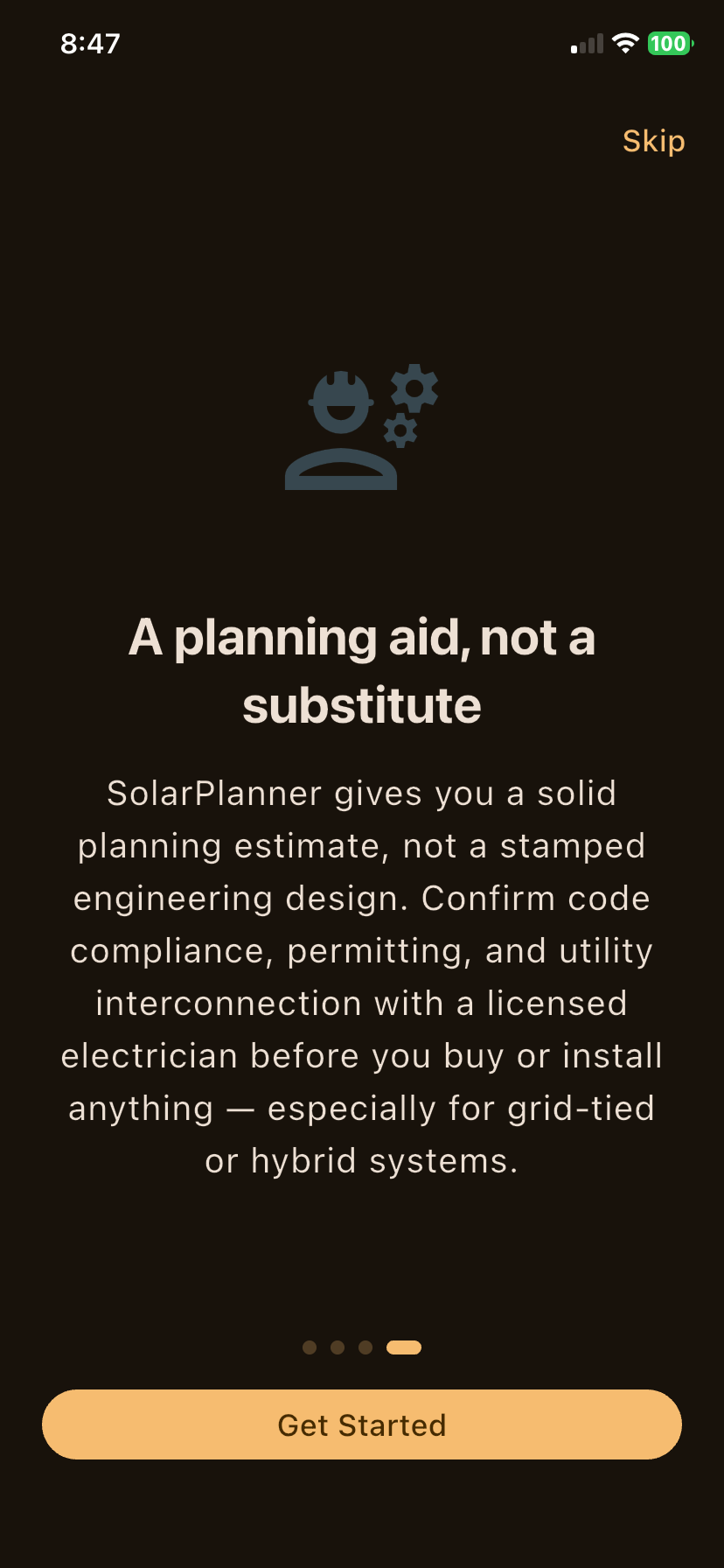
Planning Aid & Safety
Safety guidance and licensed electrician review recommendations.
System Basics
Project naming, Off-Grid/Hybrid selection, system voltage, and LiFePO4 choice.
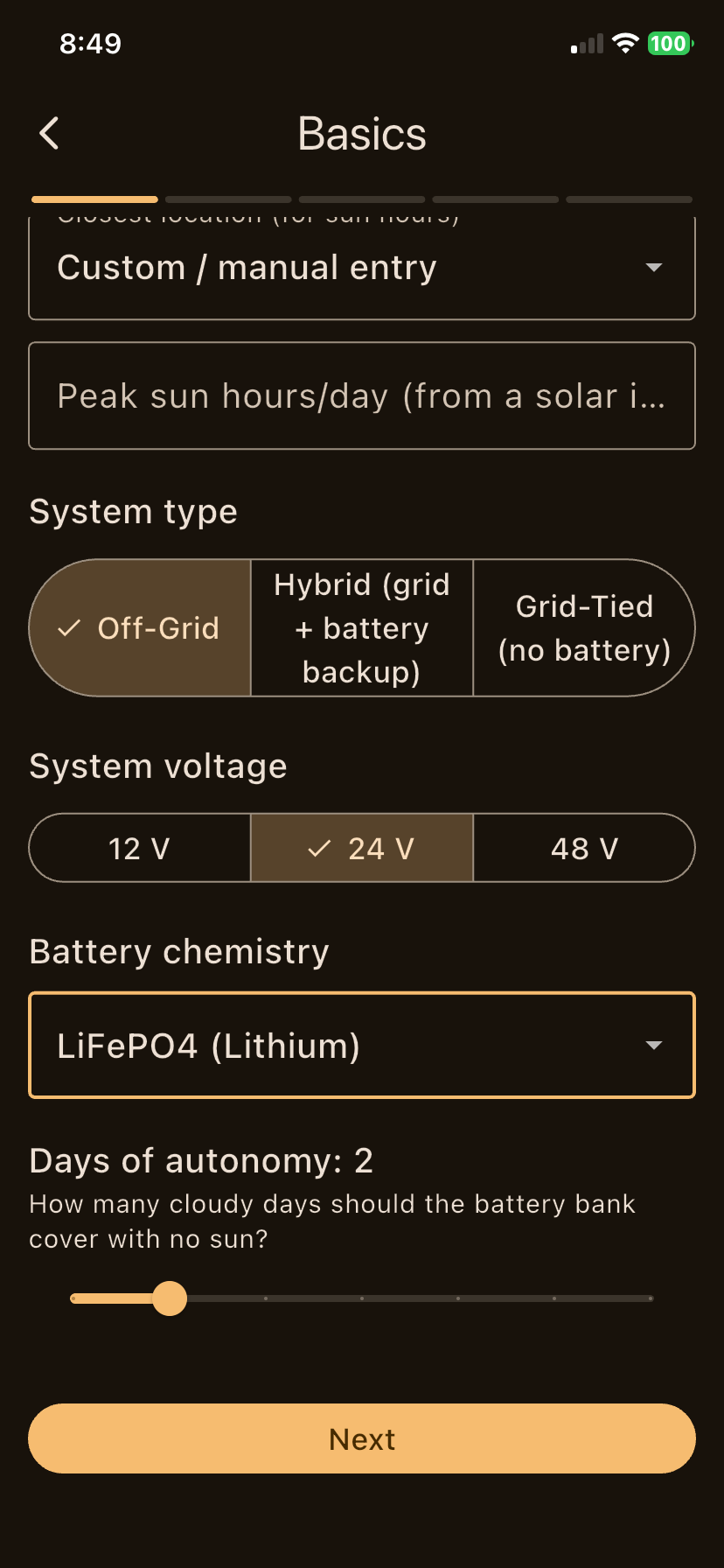
Days of Autonomy
Slider control to specify battery backup days for zero-sun weather.
Appliance Loads
Detailed energy audit breakdown calculating total daily Wh and peak surge loads.
Existing Equipment
Input pre-owned components so SolarPlanner sizes remaining hardware around it.
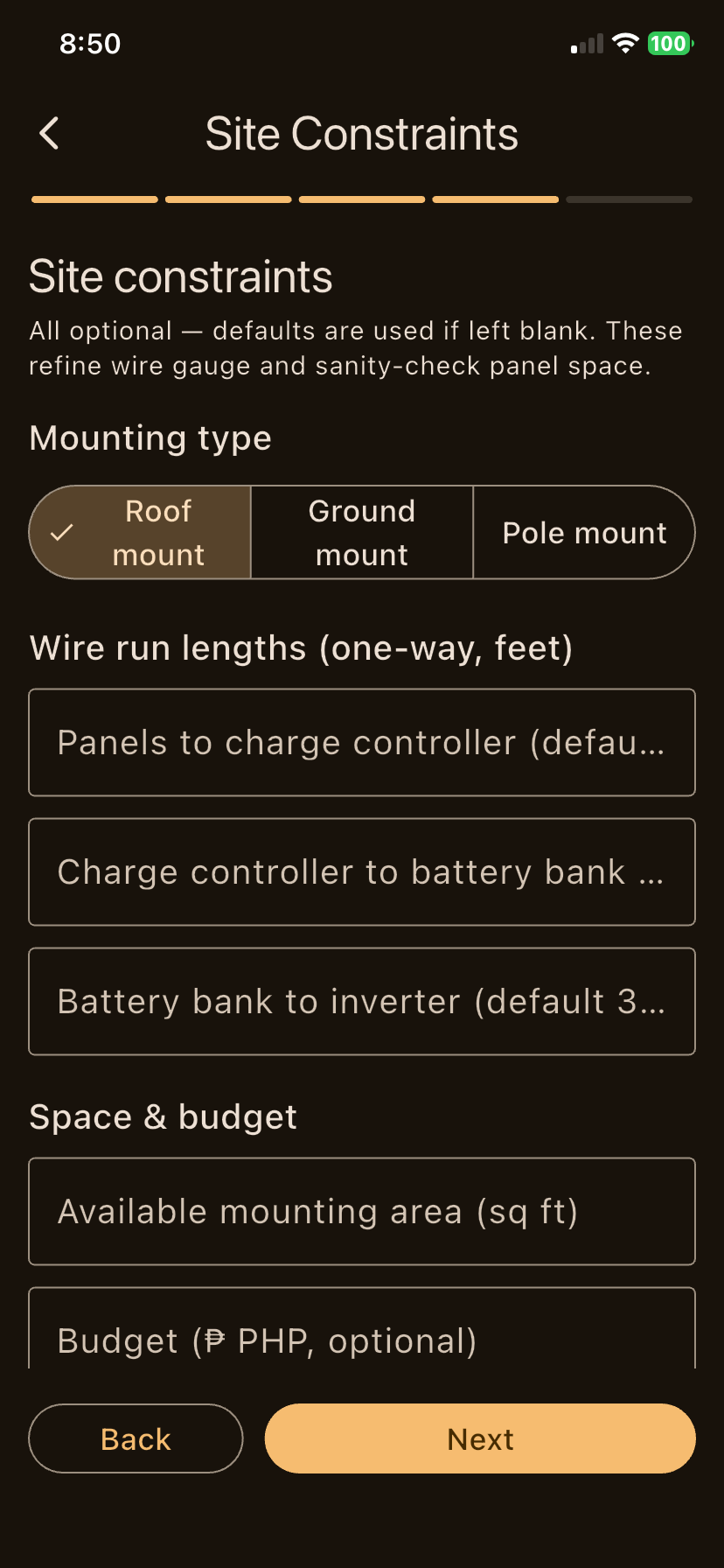
Site Constraints
Mounting options, wire run lengths, footprint limits, and budget parameters.
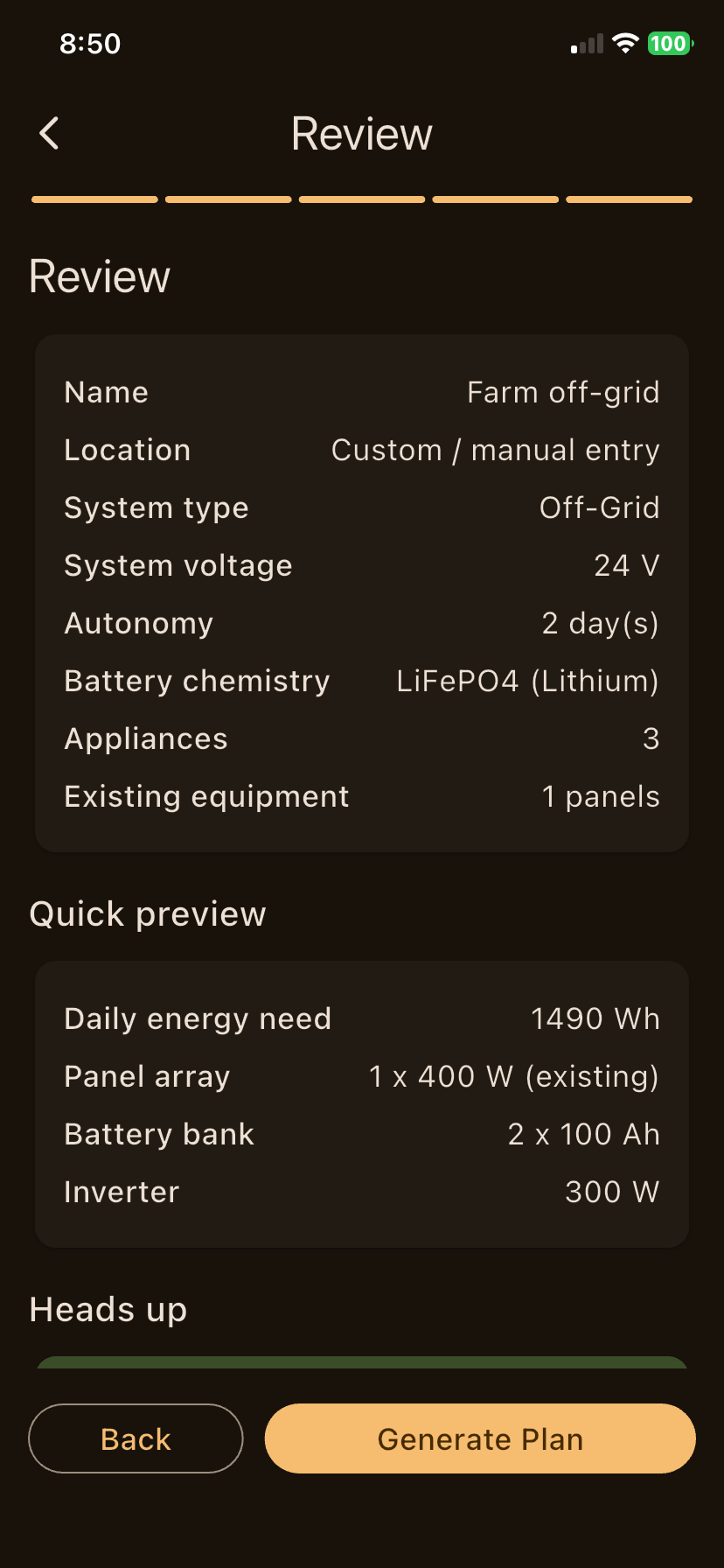
Review & Preview
Complete pre-generation summary checking system inputs against output needs.
Deficit Warning Alert
Automated alert detecting array power shortfalls with remedy suggestions.
Sizing Calculation
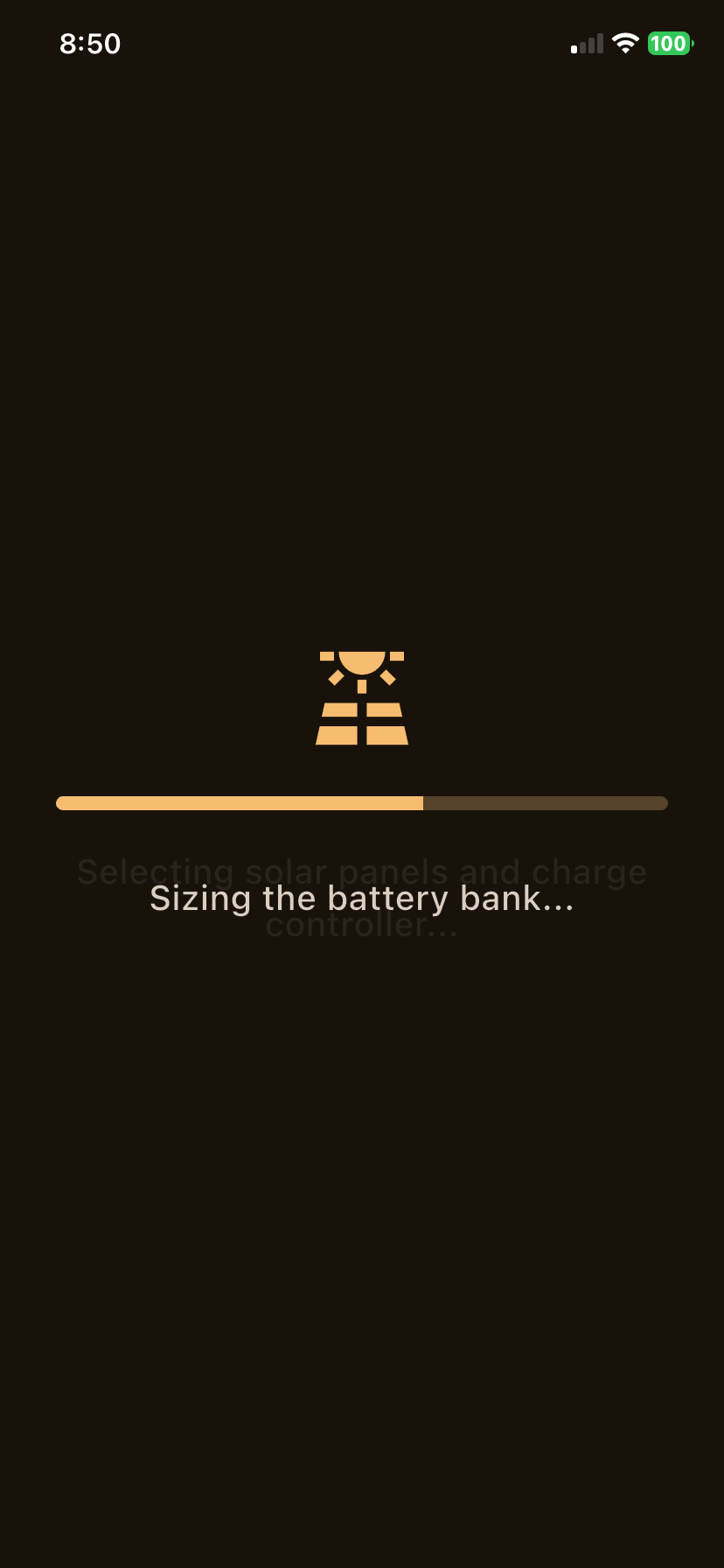
Real-time processing indicator performing mathematical system optimization.
Solar Array BOM
System summary and solar panel array string specifications.
Battery & Inverter BOM
Storage bank configuration, MPPT controller specs, and pure sine inverter ratings.
Safety Breakers BOM
Crucial circuit protection gear: DC disconnects, fuses, HVD, and LVD modules.
Wiring Diagram Schematic
Pinch-to-zoom wiring schematic with calculated AWG sizes and voltage drop percentages.
Build Steps Checklist
Chronological assembly instructions with safety check checkboxes.
PDF Export & Share
Export professional build reports to PDF to email, print, or AirDrop.
Trusted by DIY solar builders.
See what users are saying about planning their solar installs with SolarPlanner.
"I was spending hours on spreadsheets trying to figure out panel counts and wire sizes. SolarPlanner generated a complete BOM and wiring diagram in 5 minutes. Saved me from buying the wrong charge controller."
"Built a 2.4kW off-grid system for my cabin using the SolarPlanner plan. The wiring diagram made it super clear how to connect everything safely. My electrician was impressed with the detail."
"Love how it supports off-grid, hybrid, and grid-tied setups. I compared three different system types side by side and picked the one that fit my budget. The PDF export is polished enough to show an installer."